This question will be most searched question in google!
So today I am here to tell about how to make a game!
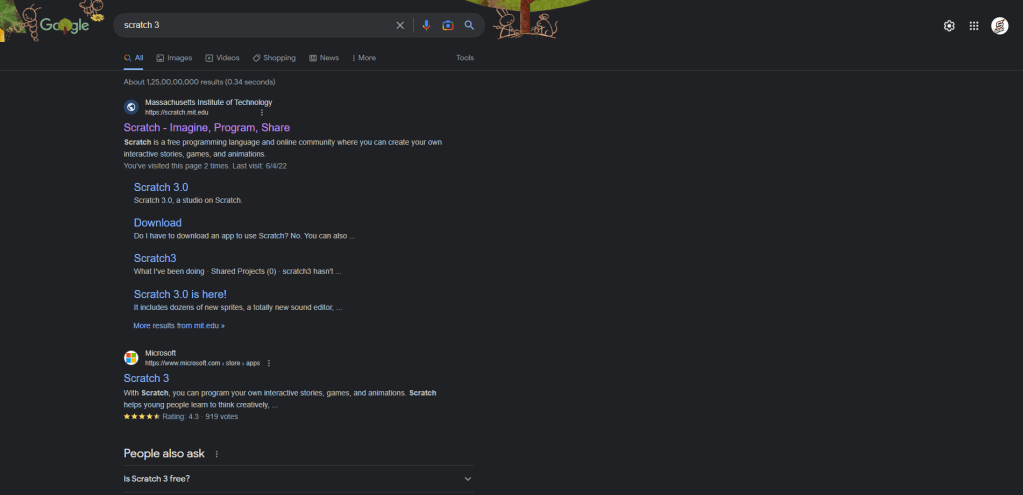
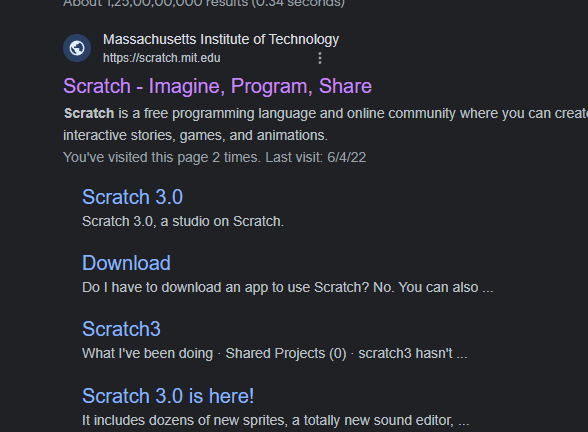
First Go in google chrome and search Scratch 3
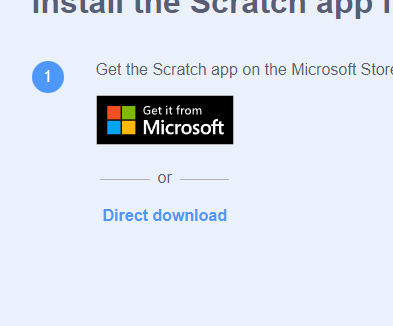
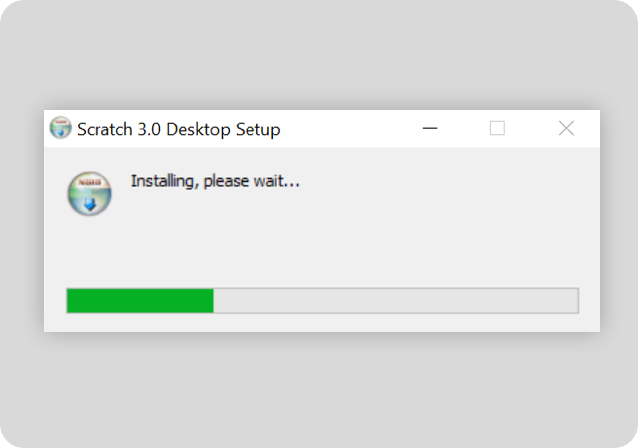
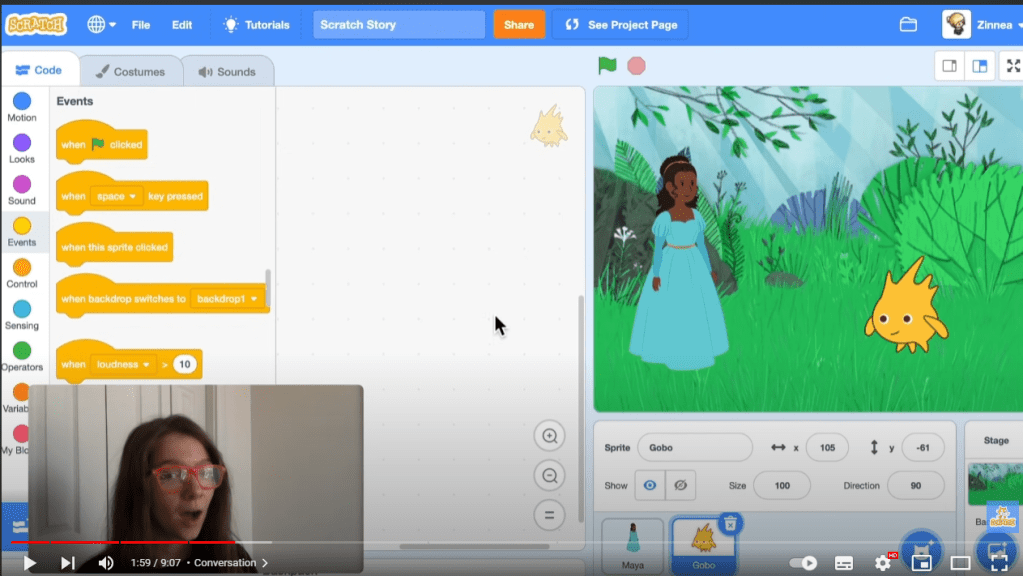
And Now Click On Download Now this interface Will Be OpenAnd Now Click On Direct Download ButtonNow Install The SetupNow Go In YouTube And Search Scratch TeamAnd See the Tutorial To How To Make A Different Games In ScratchOpen Scratch Application And Follow The Steps of The Video And Start Make A Game! Now You Can start to Make a good game in free!



 Starline Store